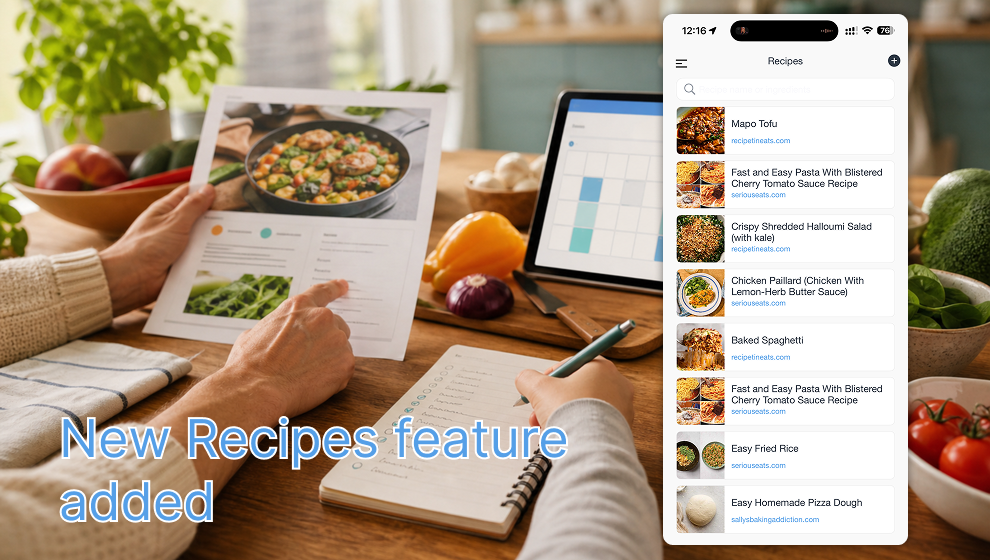
Shareday is getting a new way to make family meal planning less scattered: recipes.
Instead of keeping dinner ideas in browser tabs, screenshots, messages, and separate notes, your family can now save recipes in Shareday and bring them into the same place where you already coordinate plans, tasks, shopping lists, and family schedules.
Add a Recipe From a Link
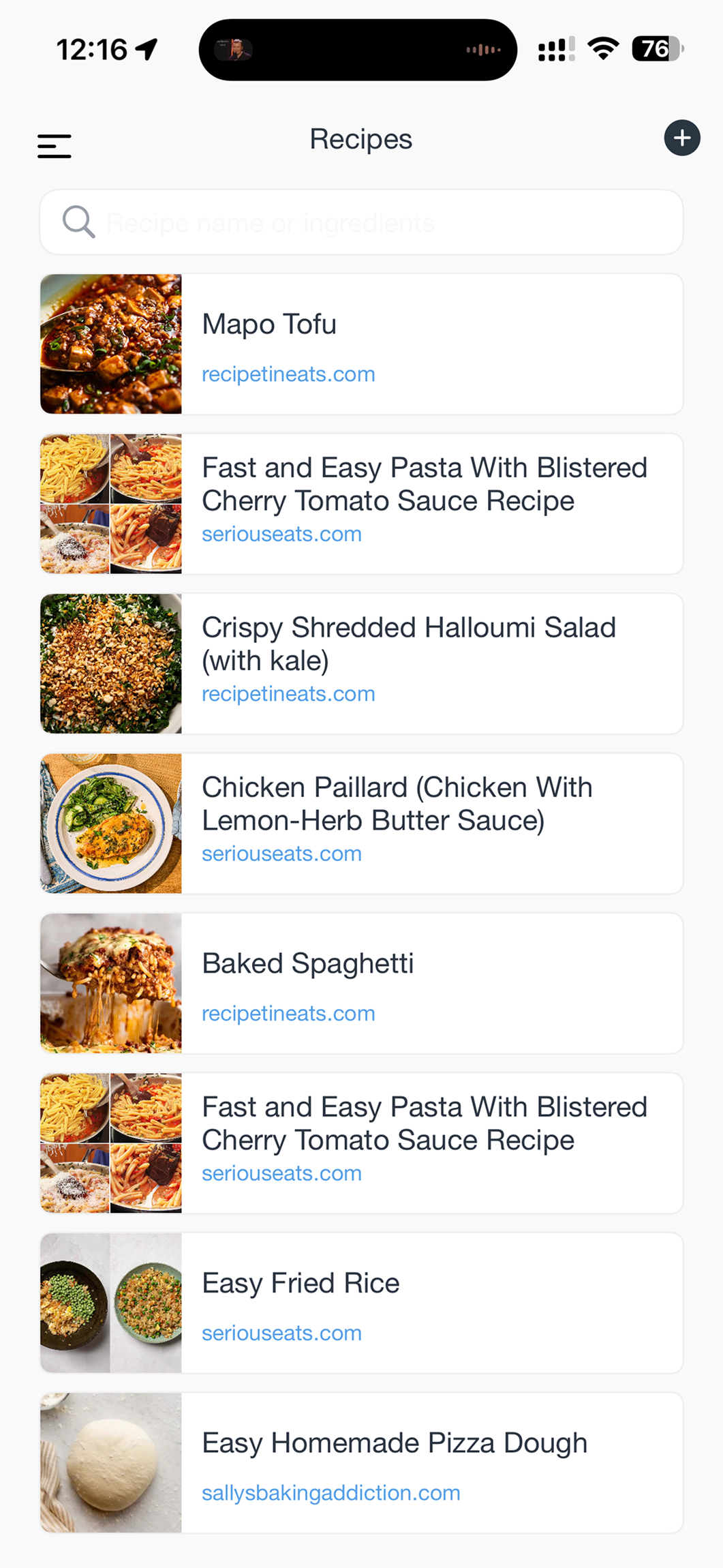
When you find a recipe on a website, you can paste the recipe link into Shareday. The app reads the recipe page and creates a recipe entry with the key details in one place: the recipe name, source website, image, ingredients, and steps when they are available.
That means a recipe is no longer just a link someone has to find again later. It becomes a saved item your family can return to when planning meals for the week.
Keep a Shared Recipe List
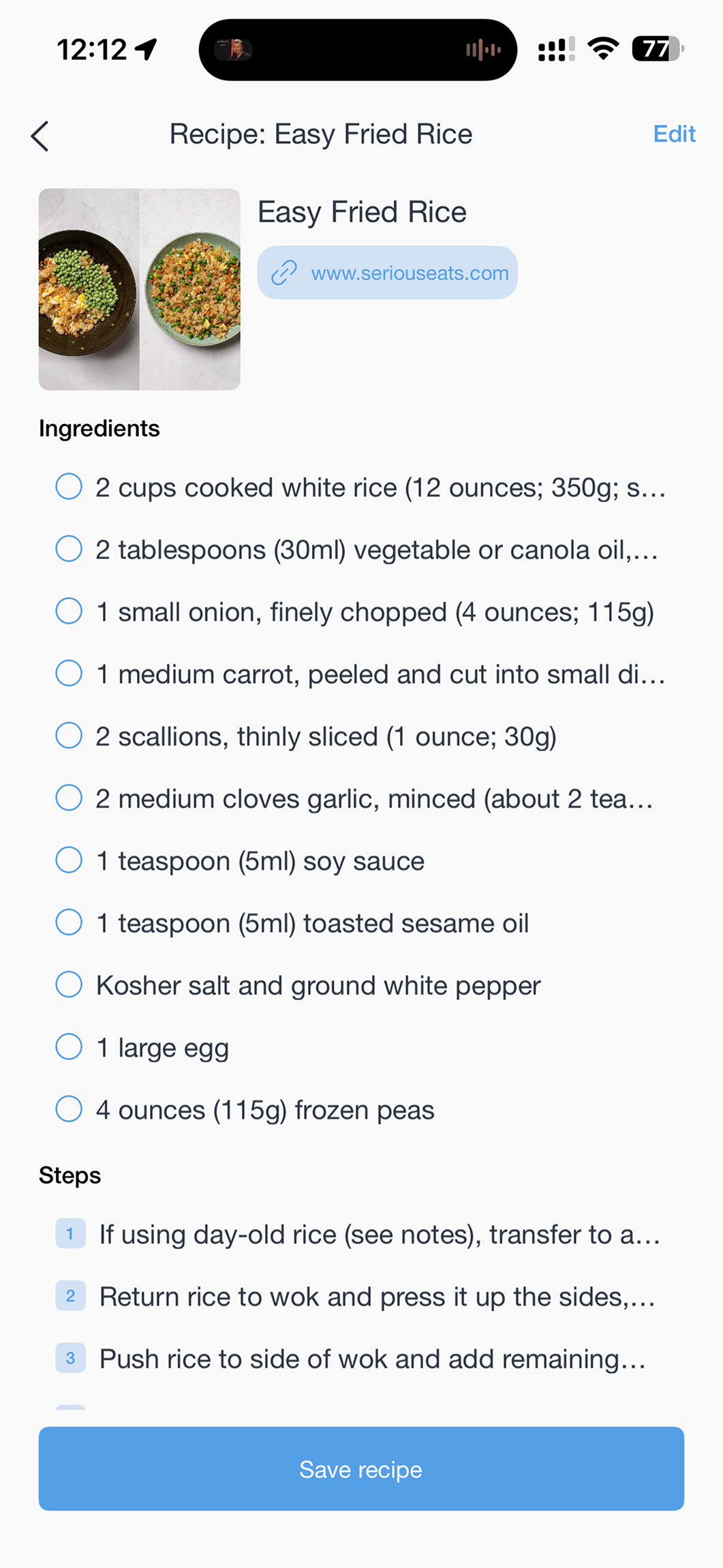
Saved recipes live in the Recipes section. You can search by recipe name or ingredients, open a recipe, check what is needed, and keep the original source link attached for reference.
This is especially useful when the same meals come back again and again: weeknight pasta, fried rice, pizza dough, salads, family favorites, or anything that starts as a link from a recipe site.

The Recommended Workflow: Tap Plan
The most useful part is what happens after a recipe is saved.
Open a recipe, tap Plan, and Shareday helps turn that recipe into two practical calendar items:
- A meal event in the family calendar. You can add the family members who should be part of that dinner, lunch, or cooking plan.
- A shopping list with the ingredients for that recipe. You can assign this list to the family member who will actually buy the groceries.
So instead of saying “let’s make this someday,” the recipe becomes part of the family plan. The meal has a time, the ingredients have a list, and the shopping responsibility can belong to the right person.
Why This Helps Families
Meal planning usually breaks down in the handoff between choosing food and preparing for it. One person finds a recipe. Another person needs to buy ingredients. Everyone needs to know when the meal is happening. If those pieces live in different apps or chats, something gets missed.
Recipes in Shareday connect those steps:
- Save the recipe from a link.
- Review ingredients and steps.
- Plan the meal as a calendar event.
- Create the shopping list from the same recipe.
- Assign the shopping list to the person who will shop.
Available Across Devices
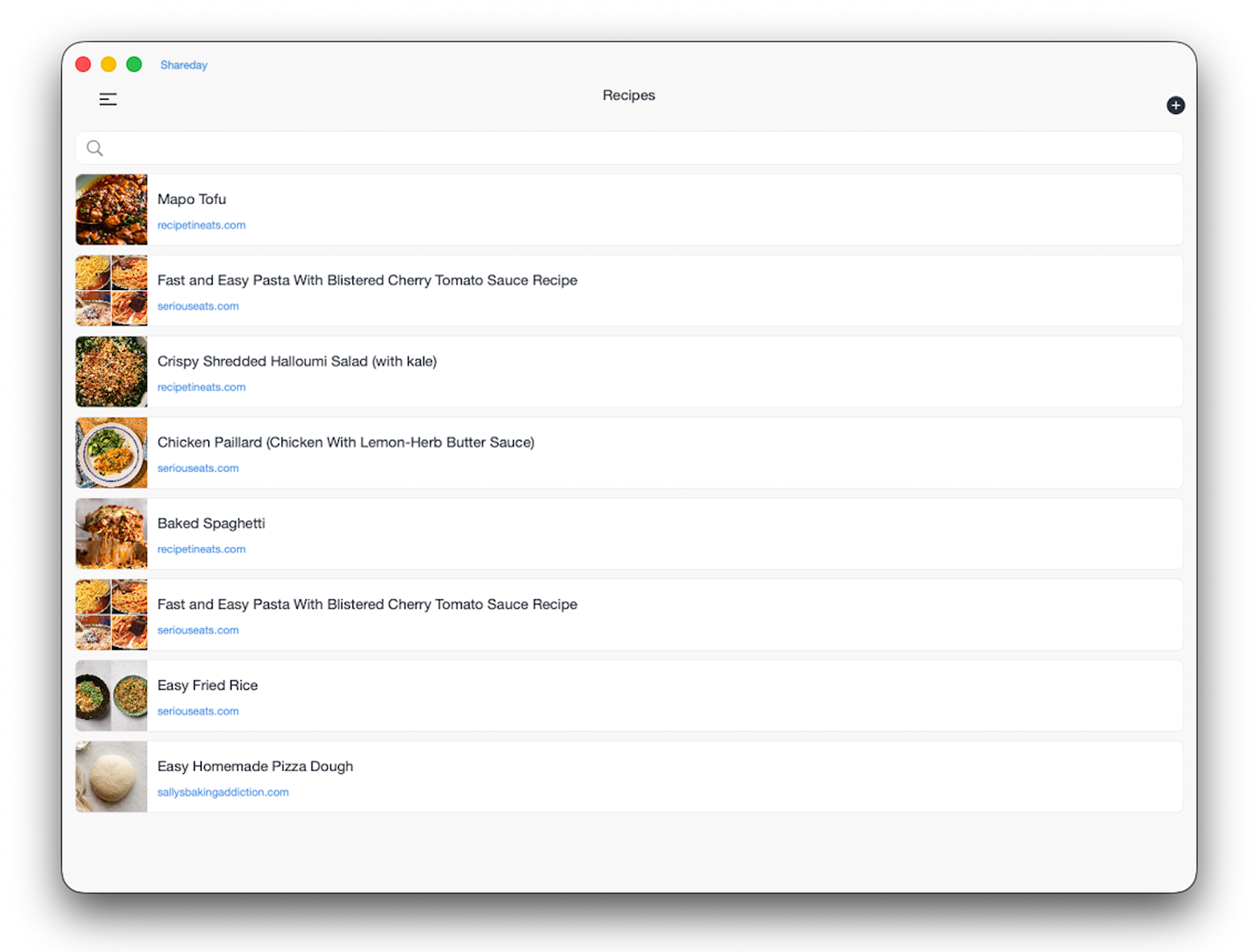
The Recipes section is designed to work across iPhone, iPad, and desktop layouts, so it can fit different family routines: saving a recipe from your phone, reviewing meals on a tablet in the kitchen, or planning the week from a larger screen.
Recipes are one more part of Shareday’s bigger goal: keeping family life in one shared space, with less switching between tabs, notes, chats, and separate lists.