Family reminders are supposed to lower the mental load. In real life, they often become one more stream of pings: a shopping reminder with no list, a calendar alert with no owner, a message that says “don’t forget” but does not show who is handling it.
That is where reminders start to feel noisy.
Recent writing about notification fatigue and shared reminders points to the same practical lesson: people do not need more alerts. They need reminders that are connected to something they can understand and act on. For a busy household, that usually means a task, an event, a shopping list, a birthday plan, a recipe plan, or a shared calendar item.
Shareday is built around that kind of family context. It is not trying to make every reminder louder. As a family reminder app, Shareday can help keep reminders close to the plan they belong to, so the person who opens a notification can see what needs to happen, who is involved, and where the plan lives.
Why family reminders become noise
The Guardian recently covered research and industry concern around “alert fatigue” in news notifications: when people receive too many alerts, they may turn notifications off or stop using the app altogether. That article is about news, not family planning, so it should not be treated as proof of what happens in Shareday. But the pattern is familiar to anyone managing a household.
A reminder becomes noise when it lacks context.
For example:
- “Shopping today” is easy to ignore if the list is somewhere else.
- “Call school” is vague if no one knows who owns it.
- “Birthday soon” creates stress if gift ideas and shopping progress are not connected.
- “Dinner plan” is incomplete if the recipe, event, and ingredients are scattered across different apps or chats.
The problem is not the reminder by itself. The problem is the gap between the reminder and the real family plan.
Make the reminder point to the plan
A useful reminder should answer three quick questions:
- What is this about?
- Who is responsible?
- Where can I act on it?
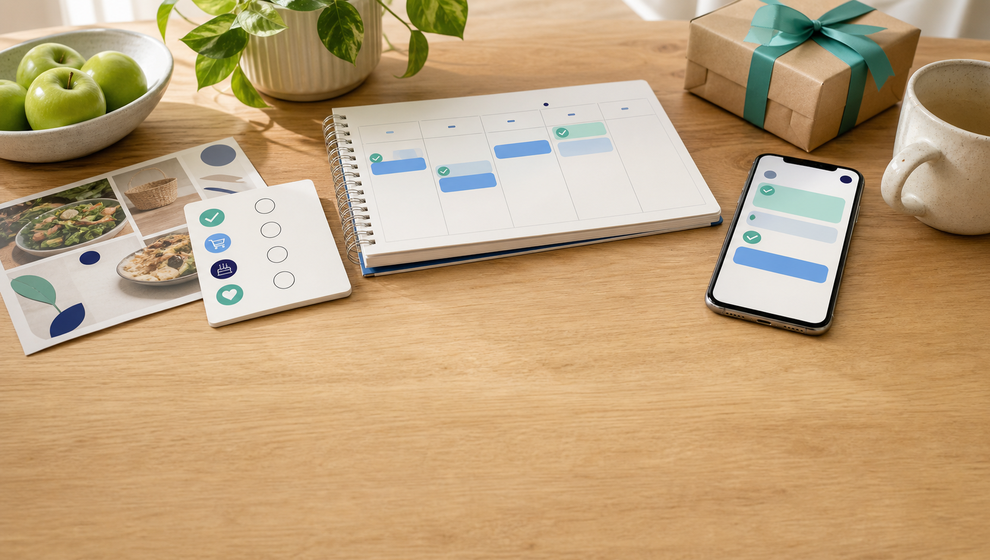
This is why family reminders work better when they are attached to structured items instead of floating as disconnected alerts. In Shareday, those structured items can include Tasks, Events, Shopping Lists, Birthdays, and recipe-linked Events or Shopping Lists shown through the Family Calendar.
When notification routing into planned items is supported, a family member can move from the reminder back into the relevant plan. That matters because the next action is not hidden in a separate message thread. The task has its details. The shopping list has rows that can be marked purchased or completed. The event has its time and assigned people. The birthday plan can connect to gift ideas and a linked shopping list where supported by the flow.
That is the difference between “remember this” and “open the thing you need.”
Relevance matters more than volume
Pushwoosh, writing from a marketing-notification perspective, emphasizes ideas such as relevance, timing, concise copy, audience fit, and measurement. The article’s marketing metrics should not be imported into Shareday claims. Still, the core editorial idea translates well to family planning: sending more notifications is not the same as making reminders more useful.
For a family, relevance comes from the plan itself.
A reminder is more useful when it is tied to:
- an assigned task, such as picking up medicine or paying a school fee;
- a family event, such as a practice, appointment, trip, or dinner;
- a shopping list with rows that can be checked off;
- a birthday record with gift ideas and a linked shopping list where supported;
- a recipe plan that creates a calendar event and ingredient shopping list where supported;
- a family calendar view that shows what is planned for the day.
This is also where a shared family calendar app can do more than show dates. When planned items, assignments, and completion states stay in one family space, a reminder can lead back to shared context instead of creating another isolated ping.
Shared reminders should reduce invisible responsibility
One recurring idea in family-reminder articles is that one person should not have to remember everything alone. The YouGot comparison article frames family reminders as a coordination problem: reminders work better when responsibility is visible beyond the person who originally noticed the task.
That idea fits the practical reality of family planning. A household does not only need a reminder that milk is needed. It needs to know who is buying it, whether it is on the shopping list, and whether it has already been marked completed. A birthday reminder is more useful when gift ideas and progress are visible. A chore reminder is clearer when the task is assigned, unassigned, or shared with the relevant people.
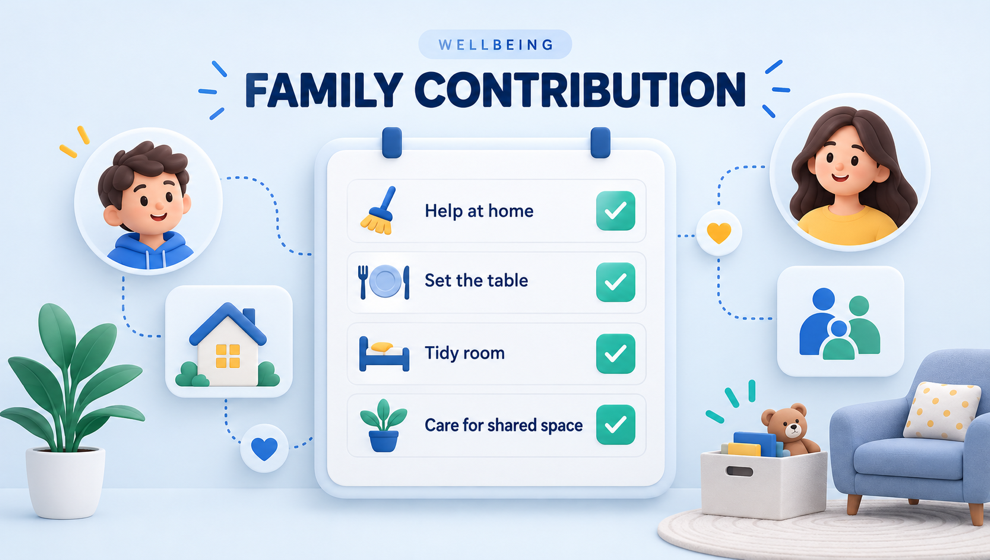
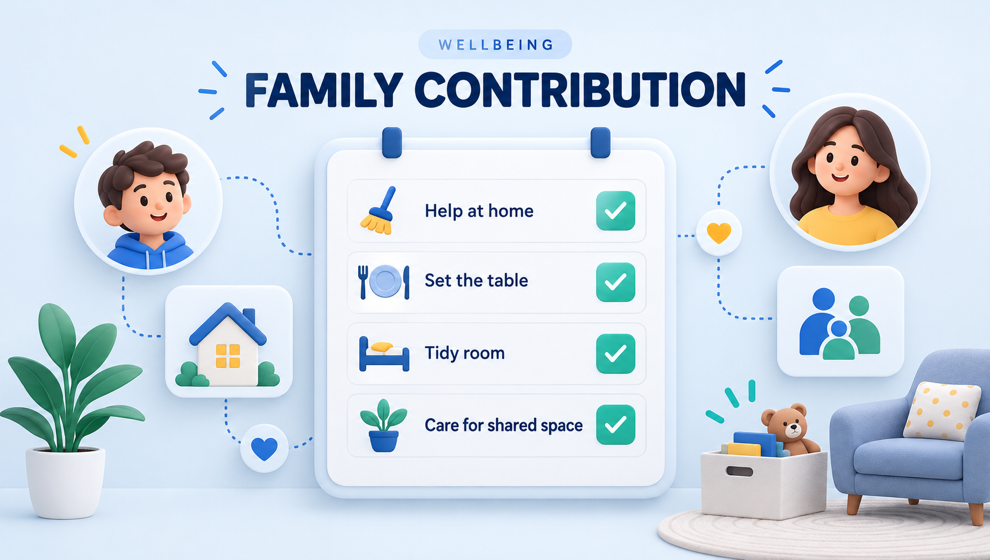
Shareday supports family members as planning actors inside one shared Family Space. Tasks, Events, and Shopping Lists can be assigned to no one, one person, multiple people, all relevant family members, or child profiles where the product flow supports that item type. That makes shared reminders more actionable because the reminder is connected to responsibility, not just memory.
The goal is not to make every family member receive every alert. The goal is to make the family plan visible enough that reminders do not live only in one person’s head.
Use details, not louder alerts
Apple’s Reminders support article shows how useful reminders often depend on concrete details: dates, times, subtasks, attachments, flags, calendar visibility, and completion state. Shareday should not be described as having Apple-specific features unless separately documented. The broader lesson is simpler: details make a reminder easier to act on.
In Shareday, families can apply that lesson by keeping planned items specific:
- Give a task a clear title, start time, duration, and notes.
- Assign the task to the right person or leave it unassigned if the family has not decided yet.
- Put an event on the Family Calendar with the right start and end time.
- Add shopping-list rows instead of relying on a vague grocery reminder.
- Mark shopping items as purchased or completed after the errand.
- Use birthday records and gift ideas to prepare earlier.
- Plan a recipe as a calendar event and create a linked ingredient list where supported.
The more concrete the planned item is, the less work the reminder has to do. It can stay short because the detail lives in the plan.
A simple way to audit your family reminders
If your household is dealing with notification fatigue, try reviewing reminders through a practical filter:
- Is this reminder tied to a real task, event, list, birthday, or recipe plan?
- Does the responsible person know they own it?
- Can another family member see the plan if they need context?
- Is the next action clear from the planned item?
- Will completion be visible after someone acts?
- Is this reminder useful now, or is it just another ping?
This kind of audit helps separate useful family reminders from noisy ones. It also makes it easier to decide what belongs in a shared plan and what can stay as a quick chat message.
For example, “buy birthday candles” should probably be a shopping-list row if someone needs to complete it. “Dinner at 6:30” belongs as an event. “Try this recipe Saturday” may belong as a recipe-linked event and shopping list where supported. “Can you look at this gift idea?” may start in Family Chat, then become a birthday gift idea or shopping item when the family is ready to act.
How Shareday keeps reminders close to family plans
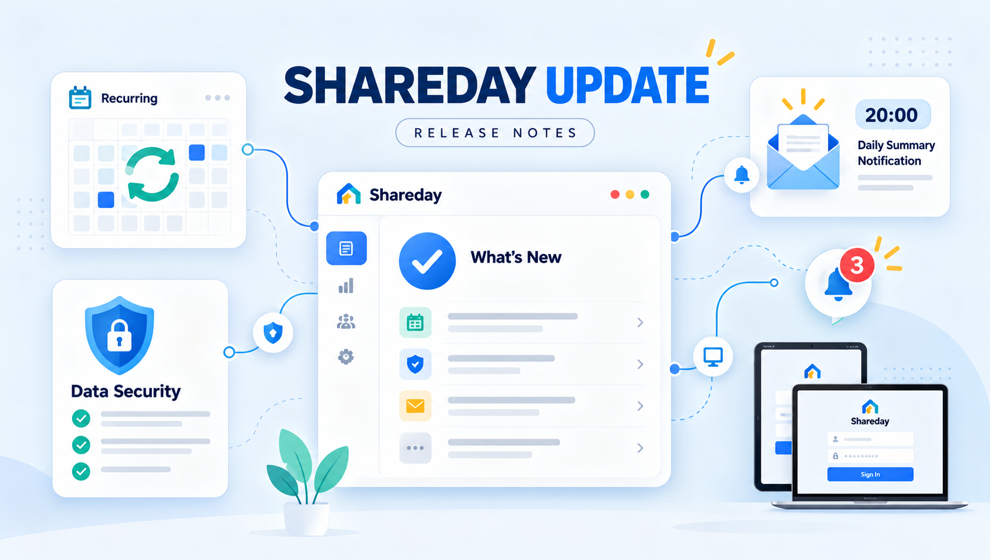
Shareday’s reminder value comes from its surrounding planning structure. The product includes a shared Family Space, Family Calendar, Tasks, Events, Shopping Lists, Birthday Manager, Family Recipes, Family Chat, and basic notification and feedback behavior around family planning.
Where configured and supported, Shareday can attempt push or email delivery for newly assigned adult family members on planned items. Where supported, notification routing can bring the person back into the planned item. That does not mean every reminder is guaranteed or that every channel is supported. The practical point is that Shareday keeps reminders connected to the family item they are about.
That connection matters in everyday moments:
- A parent assigned to a task can open the task instead of searching chat.
- A shopper can open the list and mark rows completed.
- A family member can see the event on the calendar and check who is assigned.
- A birthday-linked shopping list can help gift planning move from idea to completion.
- A recipe-linked plan can connect the meal event with the ingredient list.
For families, the best reminder is often the one that brings everyone back to the same shared plan.
FAQ
What makes a family reminder useful?
A family reminder is useful when it points to a clear plan: what needs to happen, when it matters, who is responsible, and where the family can update progress. A reminder without that context can easily become noise.
How can a family reduce notification fatigue?
Start by reducing disconnected reminders. Put important responsibilities into planned items such as tasks, events, shopping lists, birthday plans, or recipe-linked plans. Then reminders can stay connected to context instead of becoming repeated pings with no clear next step.
Is Shareday only a reminders app?
No. Shareday is a shared family planning space with a Family Calendar, Tasks, Events, Shopping Lists, Birthday Manager, Family Recipes, Family Chat, and notification and feedback behavior around planned items where configured and supported.
Can Shareday guarantee that every reminder is delivered?
No delivery guarantee should be claimed. Shareday supports push-token registration and push/email delivery attempts for newly assigned adult family members on planned items where configured, plus notification routing into planned items where supported.
Why use a shared reminder system instead of personal reminders?
Personal reminders can help one person remember something. A shared planning system can help the family see responsibility, timing, and progress together. That is especially useful when tasks, events, shopping, birthdays, and recipes involve more than one person.
Make reminders earn their place
Families do not need every plan to become an alert. They need the important reminders to earn attention by pointing to something real.
That is the practical lesson from the recent writing on notification fatigue and shared reminders. Keep the alert connected to the plan. Make responsibility visible. Give the next action a home.
When family reminders are tied to tasks, events, shopping lists, birthdays, recipes, and the calendar, they stop acting like extra noise and start working like part of the plan.