
Most family reminders fail for a simple reason: the reminder is separated from the plan.
Someone remembers to ask about groceries, a school form, a dinner plan, or an appointment. Then the reminder lands in a chat, a personal note, a mental list, or a quick hallway conversation. A few hours later, everyone is trying to remember what the reminder was connected to, who owned it, and whether anything changed.
Shareday approaches reminders from the plan outward. Instead of treating a notification as the whole system, Shareday keeps the reminder connected to a family item with context: what needs to happen, when it belongs, who is assigned, and where the family can return after the nudge.
That is what turns a simple reminder into a useful feedback loop.
Why family reminders need more than a nudge
A nudge can help someone look at the right thing. It cannot, by itself, explain the whole situation.
For busy families, the missing context is usually the hard part:
- What is this reminder about?
- Who is supposed to act on it?
- Is there a time attached?
- Are there notes, rows, or details to check?
- Has someone already made progress?
A good family organizer app should help reduce that guessing. For reminders to be useful, they need to point back to the plan itself, not create another disconnected place to manage.
In Shareday, that plan can be a task, an event, a shopping list, or another supported family planning item. The reminder is not the destination. It is the prompt to return to the shared family context.
The Shareday feedback loop
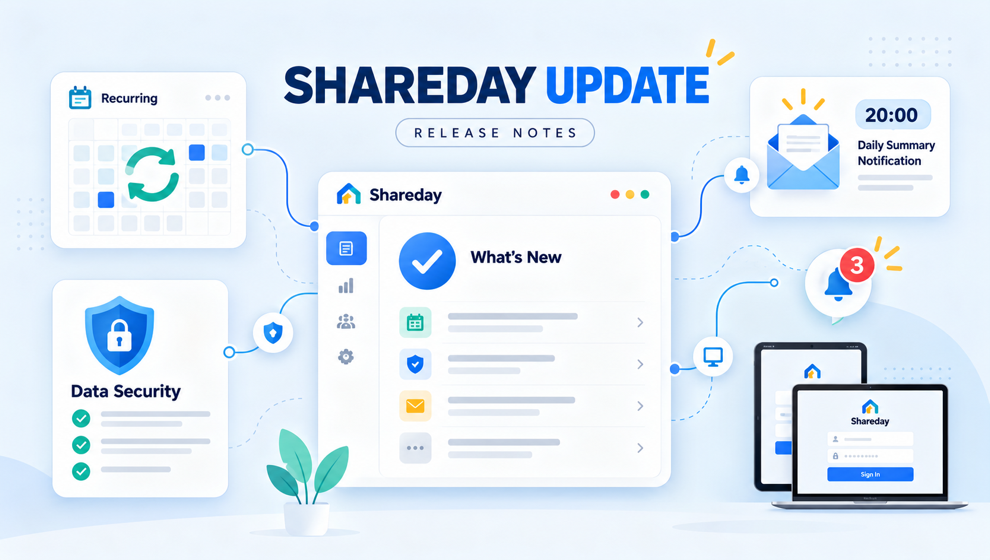
Shareday supports basic notification and feedback behavior around family planning. The product source defines push-token registration for app devices, push/email delivery attempts for newly assigned adult family members on planned items where configured, and notification routing into planned items where supported.
In everyday terms, the loop looks like this:
- A family member creates or updates a planned item.
- The item has enough structure to be useful: title, timing where relevant, notes or rows, and assignment.
- Newly assigned adult family members may receive a push or email delivery attempt where notification delivery is available and configured.
- When routing is supported, the notification can lead back into the planned item.
- The family member can review the context and act on the item instead of hunting through separate messages.
That loop matters because family coordination is rarely just “remember this.” It is usually “remember this, then check the details, then do the next step, then let the shared plan reflect what happened.”
What makes a reminder practical?
A practical reminder has a few ingredients.
First, it has a clear owner. If everyone sees the same vague reminder, the family still has to negotiate responsibility later. If the plan names the assigned person or people, the reminder has somewhere to land.
Second, it has timing. A reminder connected to an event or task is easier to understand than a floating note that says “call tomorrow” without the rest of the plan.
Third, it has a place to return. This is where Shareday differs from a reminder that lives only in a message thread. A planned item can hold the context that the family needs after the nudge: notes, list rows, start and end times where relevant, and assignment details.
Fourth, it can reflect progress where the feature supports it. A shopping list, for example, is more useful when purchased rows stay connected to the shared item after sync and rehydrate. That is feedback, not just notification.
How this helps a busy family day
Imagine one parent creates a shopping list for the evening errand. The list has rows, a time, and an assigned adult. A reminder by itself would only say that something needs attention. The Shareday version keeps the nudge connected to the item that explains what to buy and where the progress belongs.
Or take a family event. The event has a start time, end time, notes, and assigned family members. When notification delivery is available and configured, newly assigned adult family members may receive a delivery attempt. If supported, routing can bring them back to the event instead of leaving them with a vague alert.
Tasks work the same way as a planning habit. A task can carry a title, time, duration, notes, and assignment. That makes Shareday relevant for someone searching for a family task list app, but the point is not to turn the family into a project board. The point is to help a responsibility stay visible and attached to the family plan.
Where a family schedule app fits in
Shareday includes a Family Calendar, and it can display planned items by day and time. That makes it useful for people looking for a family schedule app, but this article is not really about calendars as a layout.
It is about what happens after the family adds something to the schedule.
A schedule becomes more useful when it can answer follow-up questions:
- Who is connected to this item?
- What kind of item is it?
- Is there a note, list, or detail attached?
- Where should someone go after a reminder?
- Can the family see the item again later instead of reconstructing it from memory?
That is the practical value of connecting reminders to shared plans. The calendar, list, or task is the container. The feedback loop is what helps the container stay useful when real family life gets noisy.
Why a shared reminder app should stay calm
Family coordination already has enough urgency. A shared reminder app should not make every plan feel like an alarm.
Shareday’s reminder angle is calmer: make the plan clearer, assign the right adults where appropriate, and keep the return path close. The product source supports push/email delivery attempts for newly assigned adult family members on planned items where configured, but that should not be read as a guarantee that every reminder reaches every person in every situation.
That distinction is important. Shareday can help a family build a better coordination habit. It does not replace emergency communication, professional support, school systems, legal tools, or every family messaging app.
A simple habit: add context before expecting reminders to work
If your family is trying to make reminders more reliable, start with the item itself.
Before relying on a reminder, ask:
- Does the item have a clear title?
- Is the right adult assigned?
- Is the time or date clear where it matters?
- Are the notes specific enough?
- If it is a list, are the rows actionable?
- Will the person know where to return after the nudge?
This is where Shareday can act as a family reminder app without making reminders carry all the weight. The reminder draws attention. The planned item carries the meaning.
Shareday as a family organizer app for follow-through
Families do not only need a place to write things down. They need a way to follow through without re-explaining the same plan over and over.
Shareday gives the family a shared private space for everyday coordination. Within that space, planned items can connect people, timing, notes, and list details. Family Chat can stay close to that planning context for discussion, while structured items remain in their own product areas.
That combination is the real feedback loop:
- a plan is created;
- responsibility is assigned;
- an adult family member may receive a notification delivery attempt where configured;
- the person can return to the relevant item where routing is supported;
- progress or context can stay attached to the shared family plan.
No single reminder can make family coordination perfect. But a reminder attached to the right shared item gives everyone a better place to continue.
FAQ
Does Shareday guarantee that every notification will be delivered?
No. The supported claim is that Shareday has push-token registration for app devices and push/email delivery attempts for newly assigned adult family members on planned items where configured. Delivery can depend on configuration and other conditions, so the article avoids guaranteed-delivery language.
Does Shareday support every kind of reminder channel?
The provided product source supports push-token registration for app devices and push/email delivery attempts for newly assigned adult family members on planned items where configured. This article stays within that scope and focuses on reminders connected to planned family items where supported.
Can Shareday replace family chat apps?
Shareday includes Family Chat and keeps communication close to shared plans, but this article does not claim it replaces every messaging app. The main point is that structured plans, assignments, and reminders work better when they stay connected.
Is Shareday only for chores?
No. Tasks can include responsibilities, errands, chores, reminders, and other actions, but the product also supports events, shopping lists, birthdays, recipes, mood check-ins, chat, and family calendar contexts. In this article, chores are not the focus. Notifications and feedback loops are.
What should families put into Shareday before relying on reminders?
Add the context that makes a nudge useful: a clear title, owner, time where relevant, notes, and list rows if the item is a shopping list. A reminder is easier to act on when it points back to a well-defined family plan.