Families rarely plan one kind of thing at a time. A school meeting may need one parent there, a practice may need a ride, a trip may need packing tasks, and dinner may start as a recipe before it becomes an actual plan for Tuesday night.
That is the problem Shareday Events are meant to keep practical. In Shareday, an Event is a time-bound family plan that can live on the Family Calendar with a title, start time, end time, notes, and assignments. Instead of treating family plans as scattered reminders, Shareday gives those plans a shared calendar home.
For parents, caregivers, and family coordinators comparing a family calendar app, the useful question is not only “Can I add something to a calendar?” It is “Can the family see what is happening, when it happens, and who is involved?”
What counts as an Event in Shareday?
Shareday Events are planned family items for things that happen at a specific time. That can include:
- school meetings;
- sports practices;
- appointments;
- trips;
- family dinners;
- other time-bound household plans.
Each Event can include a title, start time, end time, and notes. The family can create, edit, and delete Events, then see them on the Family Calendar alongside other planned family items where those items apply.
That matters because family planning often breaks down in small details. The time is in one message, the location or note is in another, and the person responsible is only remembered by the adult who made the plan. Shareday does not need to turn every family plan into a complicated project. It gives each time-bound plan a clear place to live.
Assign the plan to the right people
An Event is not always for everyone. One parent may handle a dentist appointment. Both parents may need a school meeting. A child profile may be connected to a practice, party, or appointment. A family dinner may involve everyone.
Shareday supports that range. Events can be assigned to no one, one person, multiple people, all relevant family members, or child profiles. That makes the Family Calendar more useful than a simple list of dates because each plan can show who it belongs to.
For families looking for a family organizer app, this is the part that keeps the calendar from becoming a wall of vague entries. “Practice, 5:30” is better than nothing. “Practice, 5:30, assigned to the people who need to know” is easier to act on.
Where notification delivery is available, newly assigned adult family members can also be notified. The important caveat is that notifications should support the plan, not replace the shared calendar itself. The calendar remains the place to check what is planned.
Keep the Family Calendar readable
Shareday’s Family Calendar is the central planning surface for family items. It can display planned items by day and time, help the user move through dates and visible day ranges, and open planned items from the calendar.
That means Events do not sit in isolation. They appear in the same planning context where the family may also see Tasks, Shopping Lists, Birthdays, and other supported planned items. When a day is busy, the calendar can support overlapping planned items through grouped or expanded calendar card behavior.
The result is a shared family calendar that is built around household coordination rather than only personal appointments. A family member can look at the month, the week, or a selected day and understand more than the next event. They can see what else surrounds it.
Use Events for month-level planning
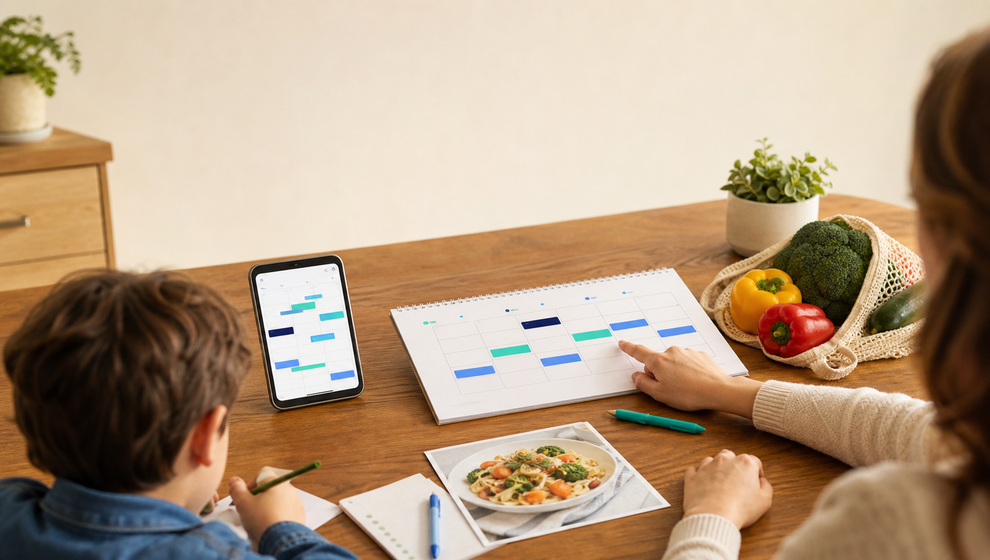
One practical Shareday scenario is planning the family schedule for the month. A parent or caregiver can open the Family Calendar, move through the month, and add key Events such as school meetings, sports practices, trips, dinners, birthdays, and appointments.
For each Event, they can set the start and end time, add notes, and assign the relevant people. If preparation work is needed, the family can also use Tasks for items such as packing bags, calling a teacher, preparing documents, paying fees, or cleaning the house before guests arrive.
This is where a family schedule app needs to be more than a date picker. The schedule is only useful if the family can connect the plan with responsibility. Shareday keeps the time-bound Event visible and leaves room for the related work that helps the plan actually happen.
Plan meals from recipes without separating the calendar from dinner
Family meals are often calendar events too. A dinner has a date, a time, people who may be invited or assigned, ingredients to buy, and a recipe the family wants to use.
Shareday supports recipe-linked Events when the Event is created from a recipe planning flow. In that flow, a family member can save or open a recipe, choose to plan it, select the date and time for the meal, and create a normal Family Calendar Event rather than a separate recipe-only object.
The same planning flow can also create a linked Shopping List from recipe ingredients where that flow supports it. The family can keep the planned meal, recipe context, and ingredient shopping connected while the recipe exists.
That is the Shareday-safe meaning of a family meal planning calendar: not diet advice, nutrition planning, or automatic meal scheduling, but a practical way to turn a saved family recipe into a scheduled meal and a shopping step.
Local-first event edits on iOS
Family planning often happens in the middle of real life: in a school hallway, in the car before practice, at the kitchen table, or while checking a recipe before shopping. Shareday’s supported local-first behavior for Events is scoped to the iOS client: event creation and edits commit locally before backend sync.
That wording is specific for a reason. It does not promise instant updates for every person on every device. It means that, on the iOS client, the user-authored Event change is kept locally first before synchronization with the backend.
For the person coordinating the family plan, that can make the act of updating the schedule feel less fragile. The plan starts in the app where the change is made, then sync behavior follows from there.
A simpler way to see the family day
The value of Shareday Events is not that families suddenly have fewer plans. It is that the plans can become easier to see and assign.
Use Events when the family needs to answer:
- What is happening?
- When does it start and end?
- Who is connected to it?
- Are there notes the family should keep with the plan?
- Does this meal come from a recipe planning flow?
- Does another Task or Shopping List need to sit near the Event on the calendar?
When those answers live in one place, the Family Calendar becomes more than a reminder board. It becomes a shared planning surface for the ordinary plans that shape a family week.
FAQ
Can Shareday Events be assigned to more than one person?
Yes. Shareday Events can be assigned to no one, one person, multiple people, all relevant family members, or child profiles.
Can Shareday show Events on the Family Calendar?
Yes. Events are planned family items for time-bound plans, and Shareday can display them on the Family Calendar.
Can Shareday connect recipes to calendar Events?
Yes, within the supported recipe planning flow. When a recipe is planned, Shareday creates a normal Family Calendar Event rather than a separate recipe-only object, and the flow can also create a linked Shopping List from recipe ingredients where supported.
Does Shareday replace every personal calendar?
This article does not make that claim. The supported point is that Shareday gives families a shared Family Calendar for supported planned family items, including Events, Tasks, Shopping Lists, and Birthdays where available.
Does Shareday use automatic scheduling or AI planning for Events?
No such claim is made here. The supported Events capabilities are create, edit, delete, set title, set start and end time, add notes, assign people or child profiles, display on the Family Calendar, link to recipes when created from a recipe planning flow, notify newly assigned adult family members where notification delivery is available, and keep iOS client event creation and edits local-first before backend sync.